Seatti vs Microsoft Places: Is what already comes with Microsoft 365 enough?
Microsoft Places is part of Microsoft 365 and covers work location planning, room and desk booking in Teams and Outlook. It is the most obvious question whenever Seatti is on the table. This page answers it using Microsoft's own information, without playing down the price advantage of Places.
As of 30 October 2026. All information about Microsoft Places comes from Microsoft's product page and Microsoft Learn. The sources are listed at the end of this page. Microsoft continues to develop Places, so details may change.
Summary
The core features of Places are included in the common Microsoft 365 plans. On licence price alone, Microsoft wins, and there is nothing to spin about that. The question is whether the feature set supports the decision that is actually at stake.
Seatti fits when parking spaces, visitors and services need to be booked alongside desks and rooms, when utilisation per desk should be measured without additional devices, and when the end result has to be a sound space decision.
Microsoft Places fits when room and desk booking in Teams and Outlook is enough, when Teams Rooms and Teams Panels are already rolled out, and when procurement does not allow an additional vendor alongside Microsoft.
The most important sentence comes from Microsoft itself
"Automatic Update is not a tracking tool and can't be used to monitor employee attendance. The feature is designed to facilitate collaboration, not compliance or oversight."
Source: Microsoft Learn, Enable work plans, retrieved on 30 October 2026. The same page states that automatic location detection is switched off by default, that administrators receive no monitoring, no reports and no historical location data, and that the actual work location is deleted at the end of the working day.
From a data protection and works council perspective, this is good news and speaks in favour of Places. But it also means that this feature provides no data basis for a space decision. Anyone who wants to know how busy a given floor was last quarter needs the occupancy reports in Places, and those depend on Teams Rooms devices, Teams Panels with check-in or connected sensors.
Comparison table
All information on Microsoft Places comes from microsoft.com and learn.microsoft.com, retrieved on 30 October 2026. Where a detail could not be found on the pages reviewed, this is stated explicitly. It does not mean the feature is missing.
Criterion | Seatti | Microsoft Places |
|---|---|---|
Licensing model | One price per user per month, two modules, no implementation costs according to the pricing page | Core features included in the common Microsoft 365 plans. According to Microsoft Learn, desk booking, automatic release and occupancy reports require a per-space licence, AI features a Copilot licence |
Additional costs for booking | Desks and parking spaces from Workspace Essentials, rooms from Workspace Pro. Visitor management as an add-on at a flat rate per site, services such as catering or cleaning as an extension | Microsoft Teams Shared Space, according to Microsoft one licence covers up to four desks plus one shared resource |
Microsoft Teams and Outlook | Native in Teams, bookings land in the Outlook calendar | Part of Microsoft 365, anchored more deeply in Teams and Outlook than any third-party solution can be |
User management | Entra ID sync in the product, users and groups automatically | Identity and permissions come from your own Microsoft 365 tenant, so synchronisation is not needed at all |
Parking, visitors, services | Parking booking included in the module, visitor management with pre-registration and invitation as an add-on at a flat rate per site, services such as catering and cleaning as an extension | On the Microsoft pages reviewed, parking booking, visitor management and service booking are not listed as features of Places |
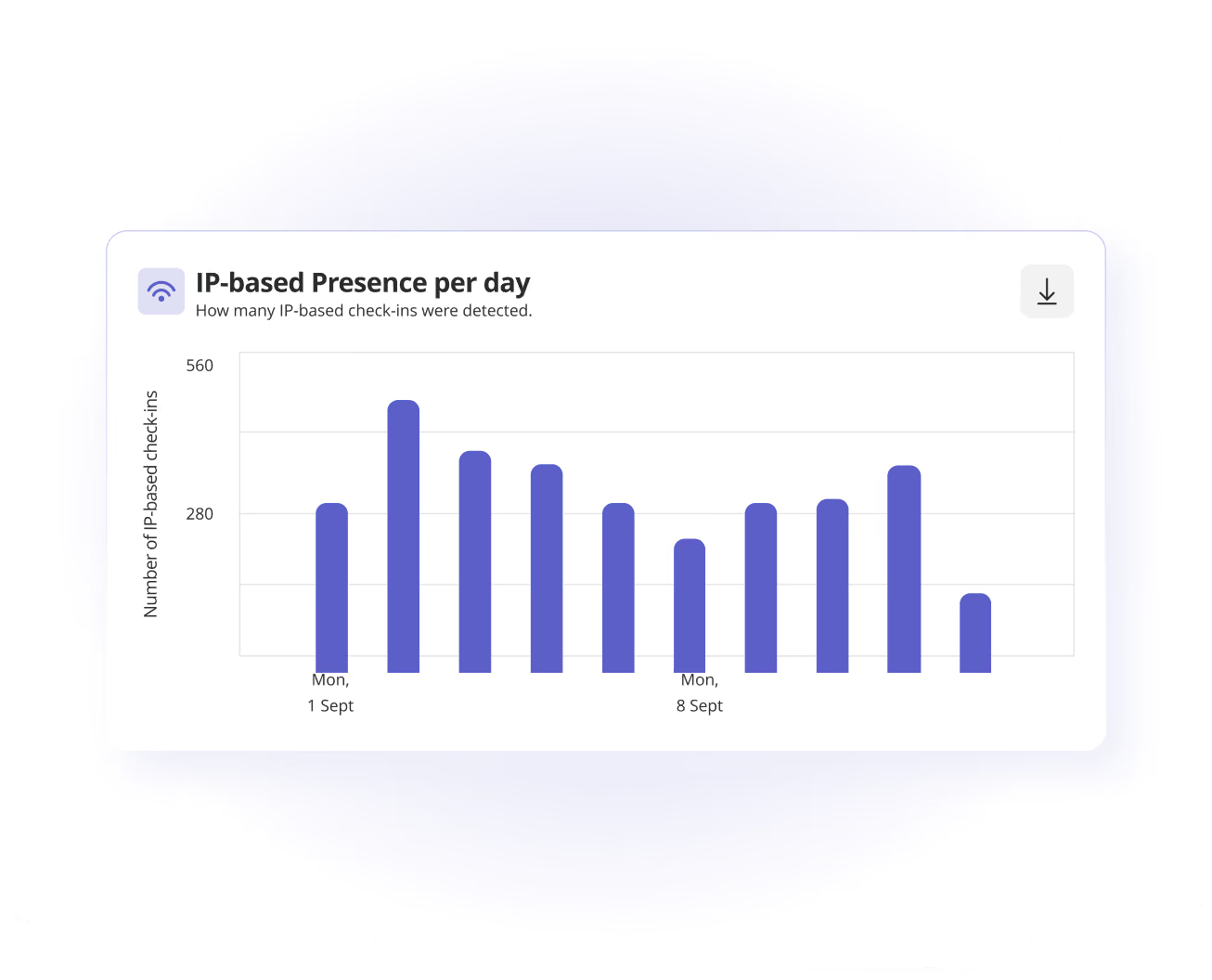
Signal sources for occupancy | Bookings, IP-based presence and Seatti Signals via existing docking stations at the desk. According to the pricing page, IP-based presence is included from Intelligence Essentials, Seatti Signals from Intelligence Pro | According to Microsoft Learn, three signals: Teams Rooms devices in scheduled Teams meetings, Teams Panels with check-in enabled and connected third-party occupancy or people-counting sensors. Plus reservation data from Exchange |
Automatic location detection | IP-based presence and detection at the desk via existing docking stations, designed as part of the analytics | Via peripherals at the desk, generally available, and via Wi-Fi with SSIDs and BSSIDs mapped to buildings, currently in preview according to Microsoft Learn. Switched off by default |
Historical analysis | Usage data remains available as a time series, the basis for lease and consolidation decisions | According to Microsoft Learn, the actual work location is deleted at the end of the working day and no history is available. Occupancy reports draw on device signals. According to Microsoft, the signal from Teams meetings remains available for 28 days |
Co-determination and data protection | Pseudonymised and aggregated data, no live monitoring, no geolocation, no working time recording, anonymous booking possible, work location optional, ISO 27001 by PROKS Certification, EU hosting | Microsoft states that automatic updating is not a monitoring tool and cannot be used to check attendance. The Inform, Ask and Off modes control whether employees have to consent. The Microsoft Product Terms and the Data Protection Addendum apply |
Data residency | Data processing and hosting in the EU | Places builds on Microsoft 365 and Exchange Online, so the data residency rules of your tenant apply, including the EU Data Boundary. We did not find a Places-specific statement on the pages reviewed. For the meeting signal, Microsoft names the regions NAM, EUR, JPN and APAC |
Rollout | Kick-off to go-live in under two weeks, no implementation costs according to the pricing page | Set-up via Places administration, building hierarchy and PowerShell. Wi-Fi detection requires Teams and Exchange admin rights plus lists of SSIDs and BSSIDs per building, and according to Microsoft changes take 24 to 48 hours |
What changed in licensing on 1 April 2026
Anyone who evaluated Places over the last two years was working with different assumptions. Microsoft Learn describes the change as follows: "As of April 1st, 2026, these features have shifted to a per-space licensing model."
Before
Teams Premium per user
Desk booking, Places Explorer, Places Finder and automatic release depended on a Teams Premium licence per person.
Today
Per-space licence
Places Explorer and Places Finder have become core features. Desk booking, automatic release and occupancy reports require a licence per room or desk: MTR, MTSS or MTSS-SS.
Transition
Existing customers
According to Microsoft, customers with an active Teams Premium subscription keep the premium features until renewal. After that, Teams Premium licences are ignored for desk booking.
For a decision, this means two things. First: calculate with today's model, not with figures from an older quote or blog post. Second: costs now depend on the number of spaces, not the number of employees. With a low desk sharing ratio this works in your favour, with many dedicated desks against you. Microsoft also mentions three free MTSS-SS licences for each MTSS licence purchased, which shifts the calculation further.
Costs compared
This is where the clearest difference lies, and it falls in Microsoft's favour. We calculate it openly instead of sidestepping it.
Worked example: 250 employees, twelve months
Disclosed assumption: 250 licensed users at Seatti. For Microsoft Places, 125 bookable desks at a desk sharing ratio of 0.5, which at up to four desks per licence means 32 licences. Existing Microsoft 365 licences are not included, as they are already in place.
250 times €2.90 times 12
250 times €3.90 times 12
32 times €7.41 times 12, excluding VAT
Core features are included in the M365 plans
Honestly assessed: on licence price, Microsoft Places wins clearly, and anyone who only needs room booking and work location planning pays nothing extra. No third-party vendor can match that advantage, and we are not trying to here. The calculation only shifts once you add what Places does not include: Teams Panels or sensors for occupancy measurement per room, Copilot licences for the AI features and a separate solution for parking, visitors and services. The honest decision question is therefore not which is cheaper, but whether you need to make a space decision or simply want to organise everyday office life.
If Places stays as well
Unlike the other comparisons, this one is rarely about replacement. Microsoft 365 stays. The question is how the two run side by side.
Step 1
Separate the requirements
List what you need to book and which decision the data should support. Keep the two separate, not in one sentence.
Step 2
Check what you have
How many Teams Rooms and Teams Panels are rolled out? That determines how much occupancy data Places delivers without new hardware.
Step 3
Put a figure on the gap
What do hardware, Copilot licences and a separate solution for parking and visitors cost? That total is the real benchmark.
Step 4
Decide
If Places is enough, stay with Places. If not, Seatti runs natively in the same Teams and Outlook and is live in under two weeks.
The works council and data protection are involved early in either case. Whether and in what form a works agreement is needed is decided by each company itself. This process is not legal advice.
Evidence from ongoing projects
Figures from the references published by Seatti. More than 100 companies use Seatti, according to its own information, all of them in Microsoft 365 environments.
Source: seatti.co/referenzen. The figures come from the respective customer projects and cannot be transferred to other companies.
Who fits whom
For many companies, Microsoft Places is the right answer. This assessment is meant to shorten the decision, not to belittle the competitor.
Frequently asked questions
In many cases you shouldn't. If room booking and work location planning are what you need, Places is the economically right decision, and we say so in the first conversation too. An additional solution only pays off when a concrete decision on space and operating costs depends on it, or when parking, visitors and services come into play.
For collaboration yes, for the space decision no. Microsoft Learn states that automatic updating is not a monitoring tool, that administrators receive no reports and no historical location data, and that the actual work location is deleted at the end of the working day. For reliable utilisation figures, Places needs the occupancy reports, and those draw on Teams Rooms devices, Teams Panels with check-in or connected sensors.
Yes. Both run in Microsoft 365, Seatti natively in Teams and Outlook. In practice, companies usually choose one leading interface for booking so that employees do not have to learn two ways. Which one that is, we clarify in the meeting based on your existing Teams Rooms and Panels.
Microsoft Learn describes that several features moved to a per-space model on 1 April 2026. Places Explorer and Places Finder have become core features, while desk booking, automatic release and occupancy reports now require a licence per room or desk. Quotes and calculations from before then are therefore out of date.
At Seatti, data processing and hosting take place in the EU, with a data processing agreement under Art. 28 GDPR and ISO 27001 by PROKS Certification. Places builds on Microsoft 365 and Exchange Online, so the data residency rules of your tenant apply, including the EU Data Boundary. We did not find a Places-specific statement on data residency on the Microsoft pages reviewed. For the signal from Teams meetings, Microsoft names the regions NAM, EUR, JPN and APAC.
Let's first check whether you need us at all
In a 30-minute walkthrough we go through your requirements and your existing Teams Rooms and Panels. If Microsoft Places is enough, we will tell you.
What you get in the meeting

Sources and last update
Information on Microsoft Places: microsoft.com/de-at/microsoft-teams/microsoft-places and the English version of the same page, learn.microsoft.com/microsoft-365/places/what-is-places/license-requirements, learn.microsoft.com/microsoft-365/places/configuring-places/enable-work-plans and learn.microsoft.com/microsoft-365/places/enable-places-analytics/room-analytics-overview. All retrieved on 30 October 2026. Information on Seatti: seatti.co/preise and seatti.co/referenzen, as of 30 September 2026.
Microsoft continues to develop Places and changed its licensing on 1 April 2026. This comparison is based on publicly available data at the time of writing and may change. Prices differ between the language versions of the Microsoft page, and your quote from Microsoft or your partner is what counts. Where a piece of information is not published on the pages reviewed, this is stated explicitly and does not mean the feature is missing. We welcome notes on errors and will correct them. Microsoft, Microsoft 365, Teams, Outlook, Copilot and Places are trademarks of Microsoft Corporation and are mentioned here only to describe the products compared.