
Introduce desk sharing without anyone left standing
Moving, growing or fewer desks than people? With Seatti your team books desks right inside Microsoft Teams. Assigned desks stay where they make sense, and your works council is on board from day one.


.svg)


%201.svg)

Sound familiar?
“Nobody’s in on Monday, Tuesday to Thursday it’s packed.”
Everyone sees in advance how busy a day will be, and teams spread their office days themselves.
“Lots of people are genuinely afraid of not having a desk.”
Whoever comes in has already booked a desk, ideally right next to their own team.
Spreadsheets, shouting across the office and a works council with questions.
One booking in Teams instead of spreadsheets, anonymous booking and documents for co-determination.
From the first office day to a steady routine
Five building blocks that make desk sharing work every day, all right inside Microsoft Teams.
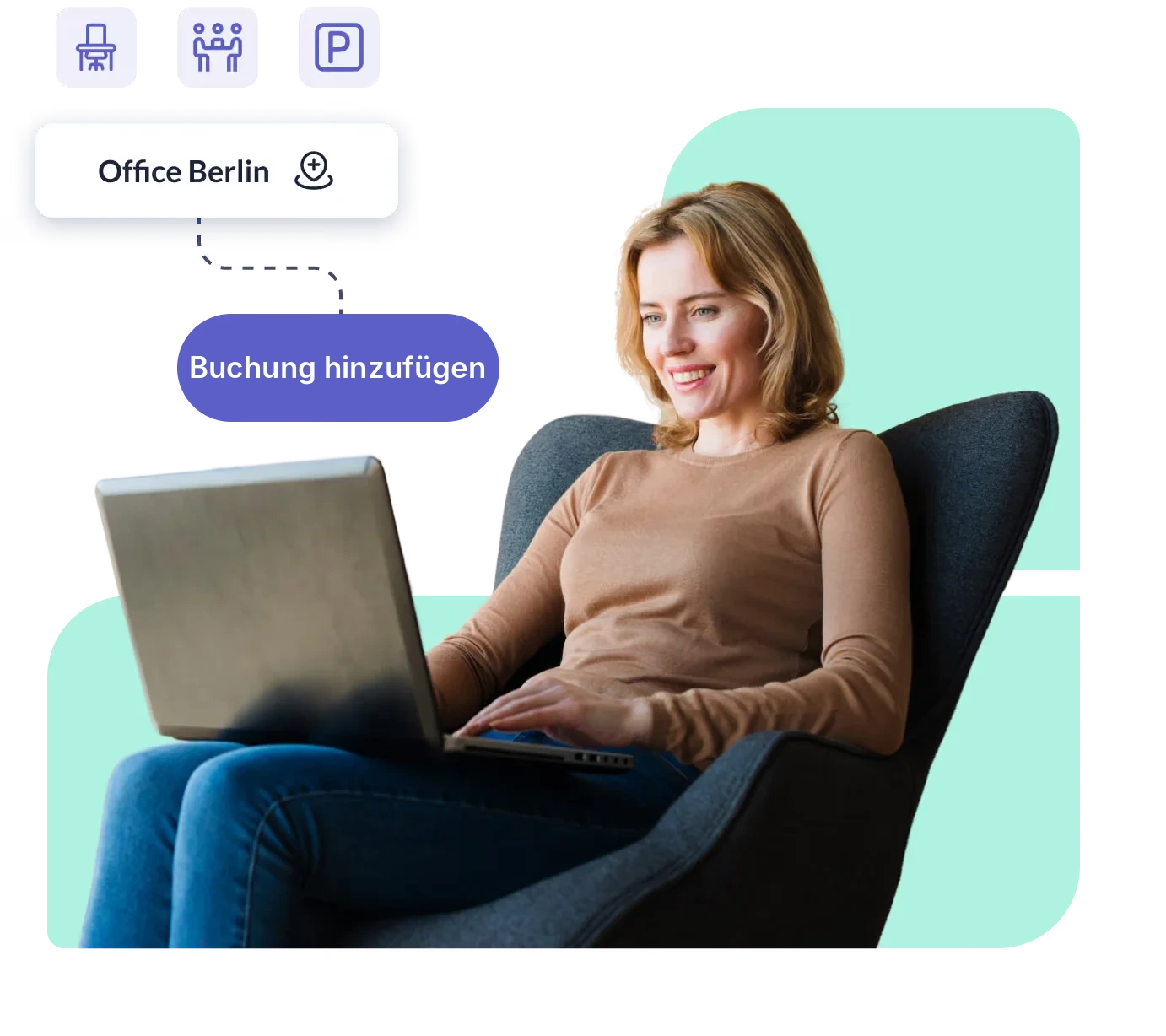
Know in the morning that a desk is waiting
Your team books where it already works: in Microsoft Teams, Outlook, on the web or in the app. No new logins and no training.
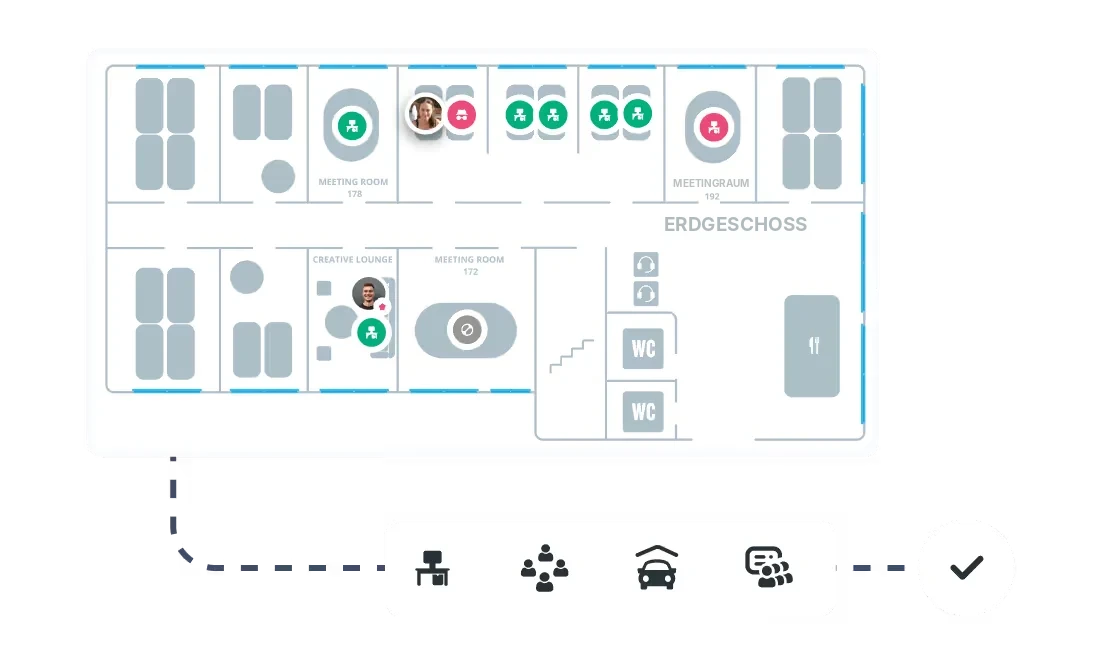
- Book on the interactive floor plan, by the hour or the day
- Filter by equipment such as monitor, docking station or quiet zone
- Recurring bookings and “copy last week” for regular office days
Come in when your team is there too
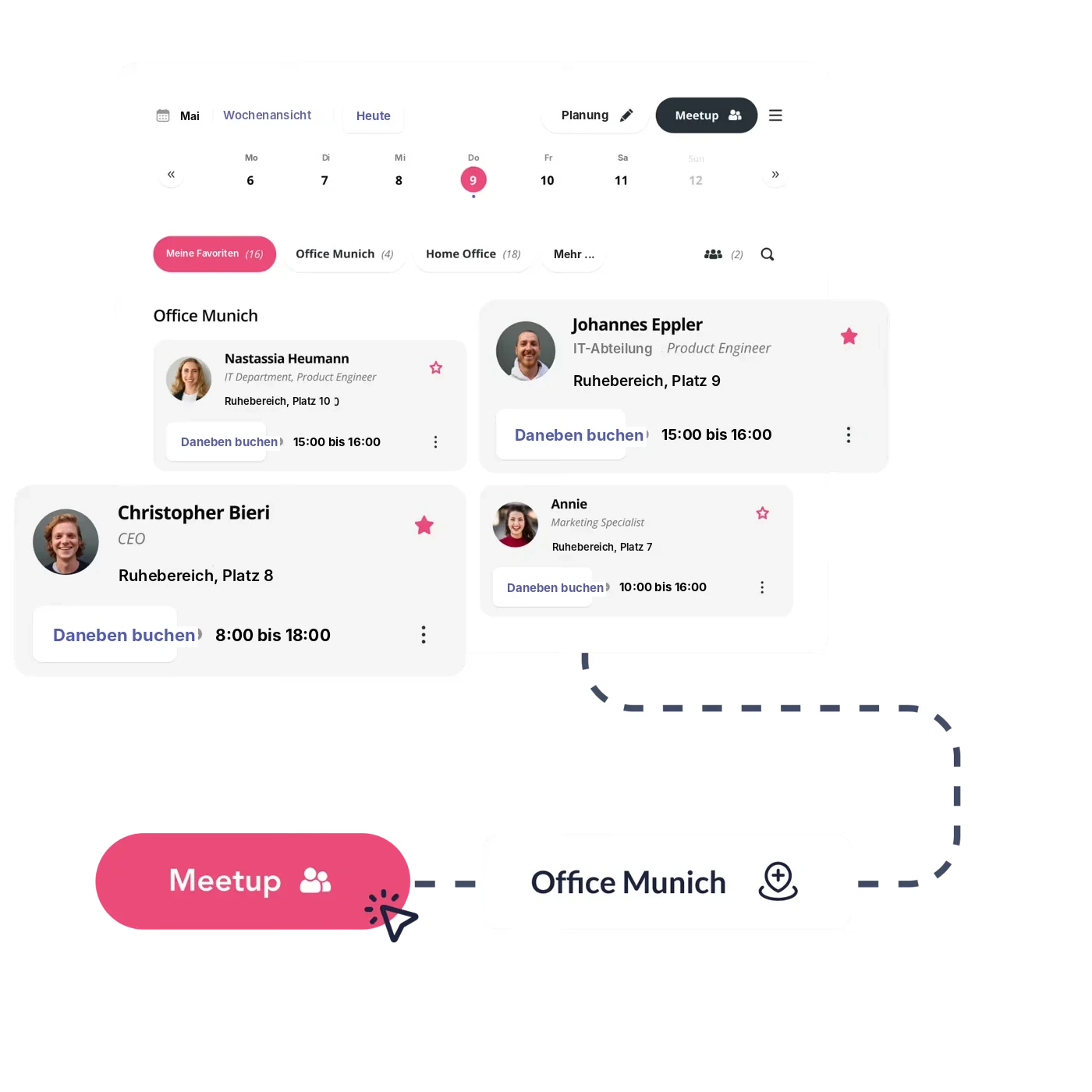
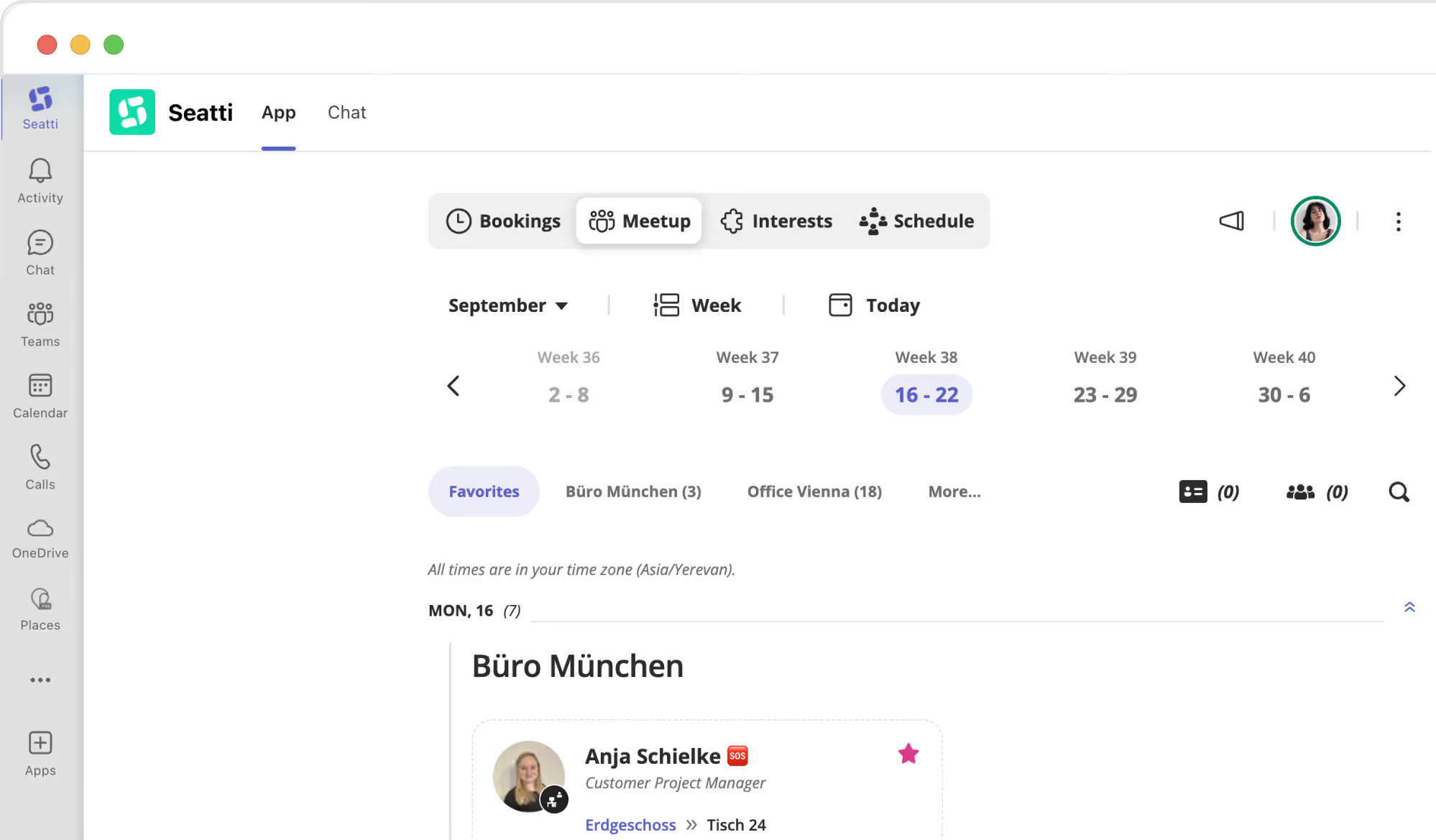
Desk sharing works when the commute is worth it. Seatti shows who is in when and makes shared days easy.
- Weekly view: who from the team is in on which day
- Book right next to your colleagues
- Plan team days and meetups together, room included
Assigned desks where they make sense
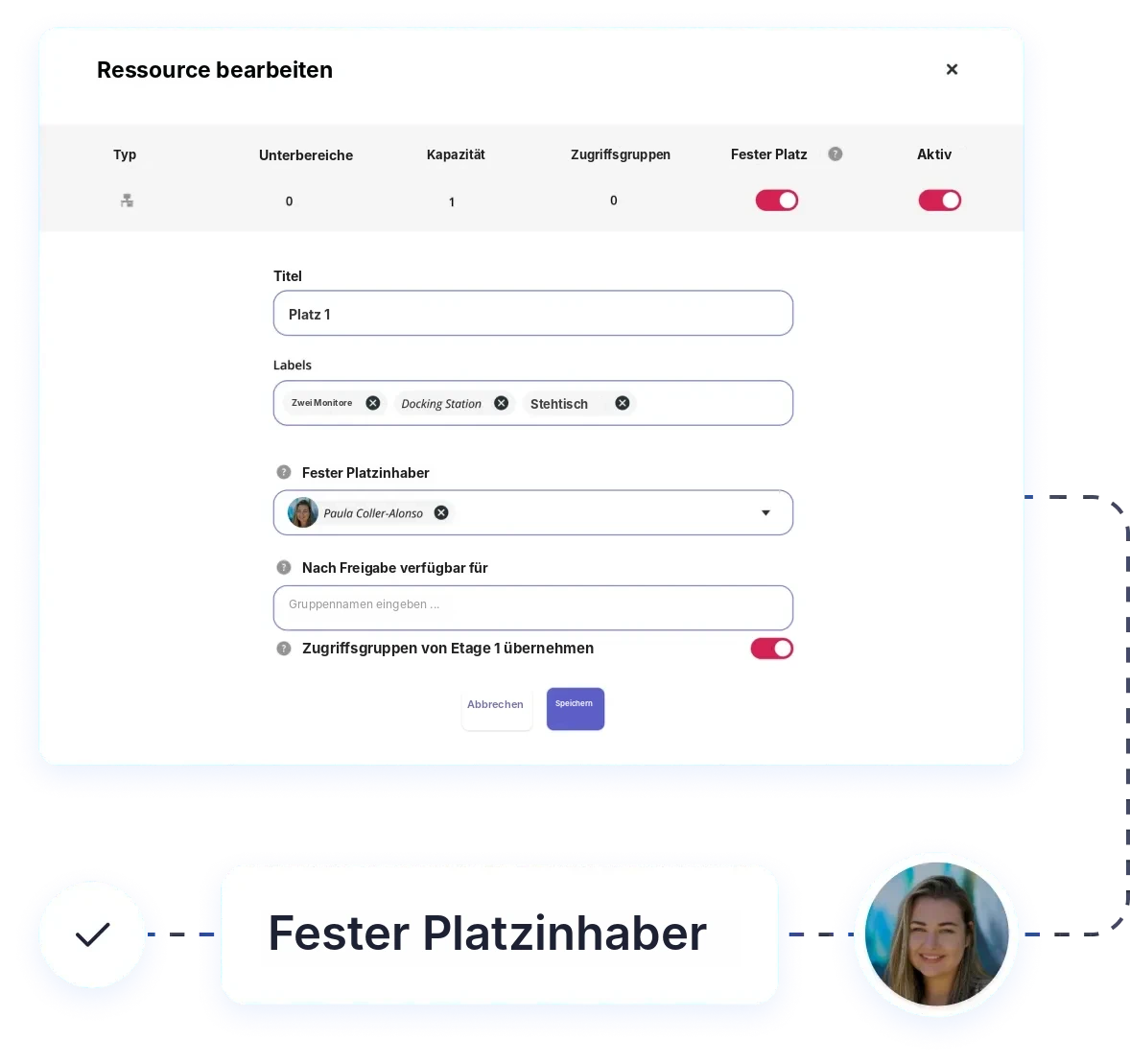
Not every desk has to be shared. Whoever comes in almost every day keeps their desk. When it’s empty, others use it.
- Set a desk owner per desk
- Released automatically when the owner is away, for example via the Outlook calendar
- Zones and access groups give teams their own area
Share busy days fairly
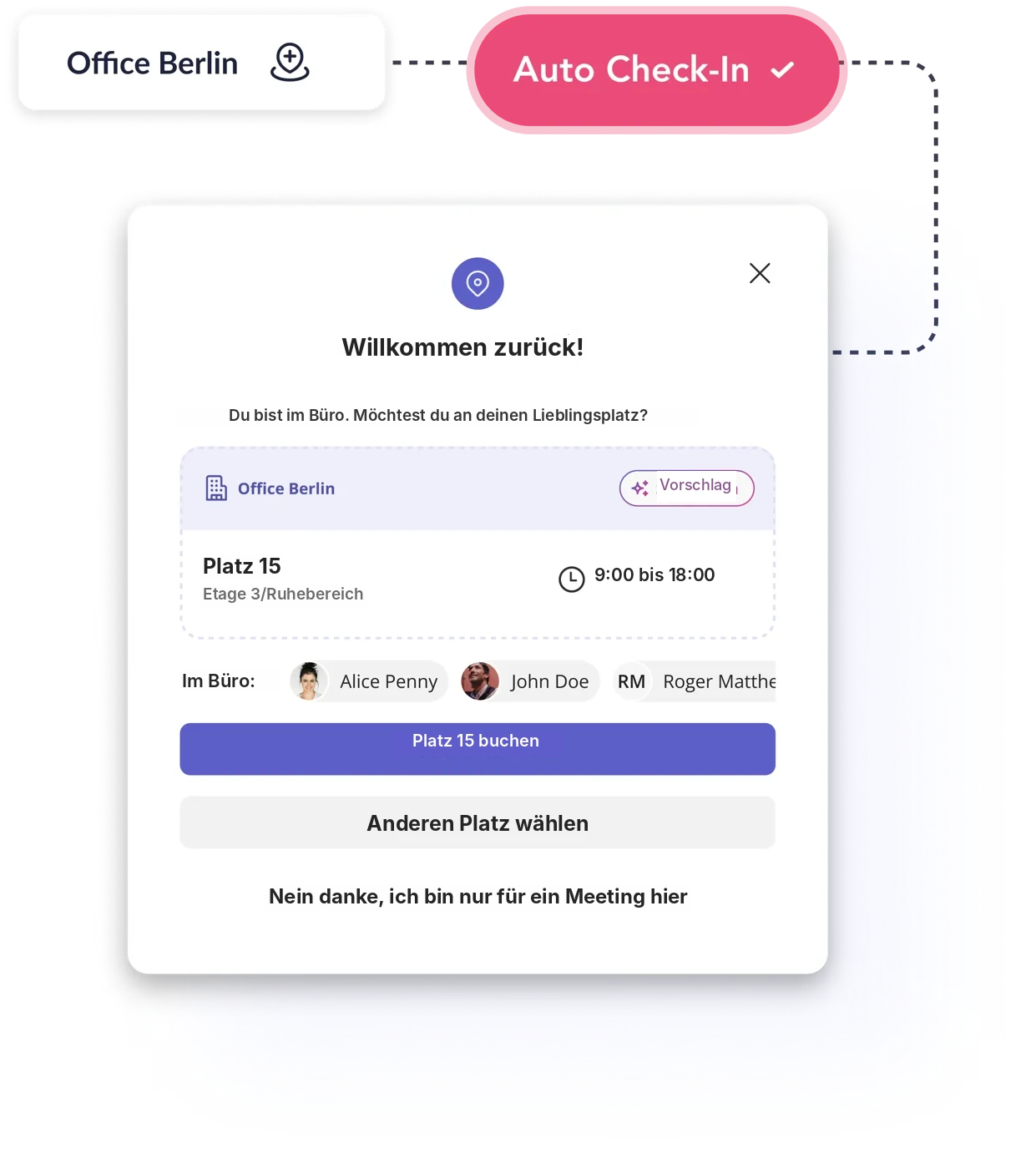
Booked but empty desks are the biggest annoyance on peak days. Seatti releases them again automatically.
- Check in via a reminder in Teams or automatically when joining the office network
- No-show desks are released after a set time
- Booking rules per zone, such as how far ahead people can book
With the works council, not against it
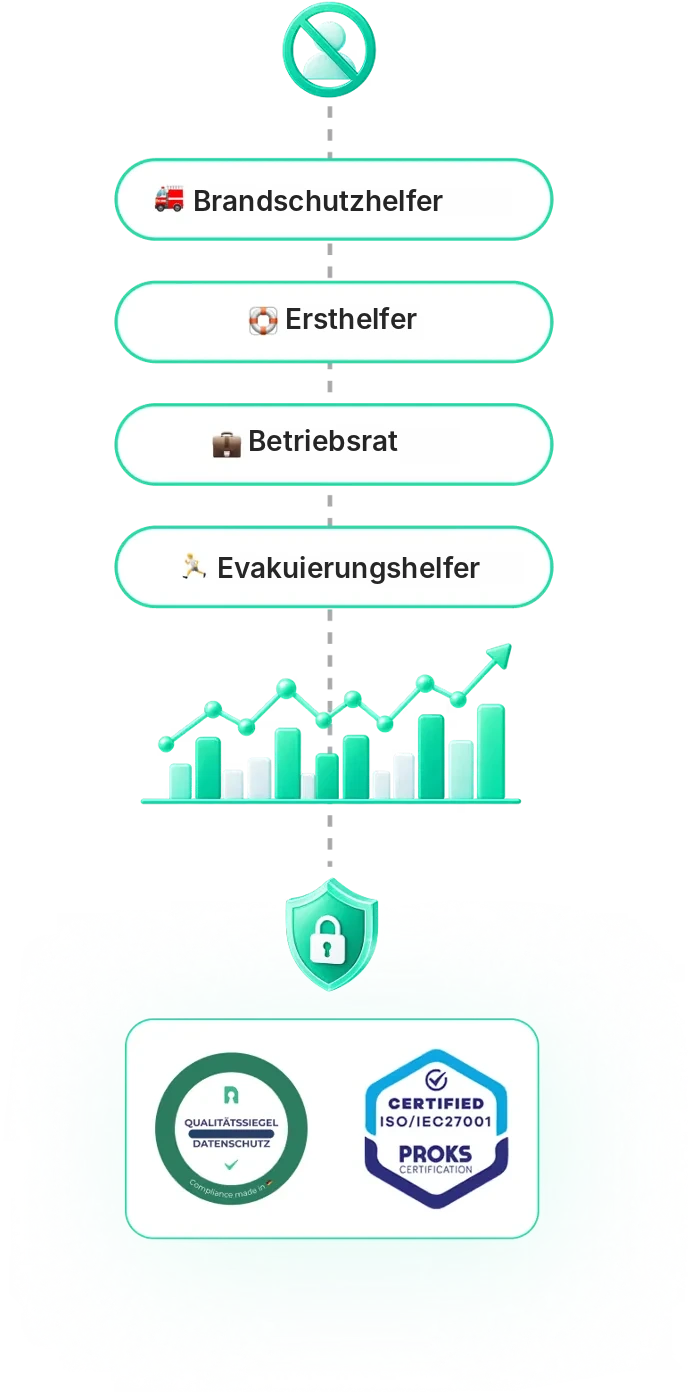
Seatti is built for co-determination: no performance monitoring, clear roles, transparent data.
- Anonymous booking, no analysis of individuals
- Roles such as first aider, fire warden and works council visible on the floor plan
- ISO/IEC 27001, EU hosting, a one-pager for the works council


Live in about two weeks, no hardware
Included in the price: setup, floor plans, training and support.
Week 1
Kick-off
Clarify sites, rules and roles. We create the floor plans for you.
Weeks 1 to 2
Configuration and works council
Set up zones, assigned desks and data protection, plus documents for co-determination.
Optional
Pilot
One area or floor tests first and gives feedback.
Go-live
Rollout in Teams
About ten minutes of IT effort, then we support you through the first weeks.

“A system that is easy to use helps.”
“But at its core, it’s about rethinking the way you work.” Beatrix Henseler, Head of Human Resources at Sartorius. The company grew faster than its offices could expand and introduced desk sharing with Seatti in 2021. Today 1.6 people share every desk in use.
Frequently asked questions about desk sharing
No. Seatti runs in Microsoft Teams and Outlook, plus on the web and on mobile. Your employees sign in with their existing Microsoft account.
Seatti is built for co-determination: anonymous booking, no analysis of individuals, ISO/IEC 27001 and EU hosting. We provide documents for the consultation.
Plan for your busiest day plus a buffer, not for headcount. After a few weeks Seatti shows how full your peak days really are.
Usually about two weeks until launch, depending on floor plans and internal alignment. We create the floor plans for you, and the IT effort for the Teams app is a few minutes.
Bookings show the bottleneck before it happens. Teams coordinate, team days spread the peaks, and assigned desks stay with those who need them.
.webp)
Planning desk sharing?
In 30 minutes we’ll show you what it could look like for you, with your sites and your rules. No obligation and no sales pressure.