
Always know who is coming in today
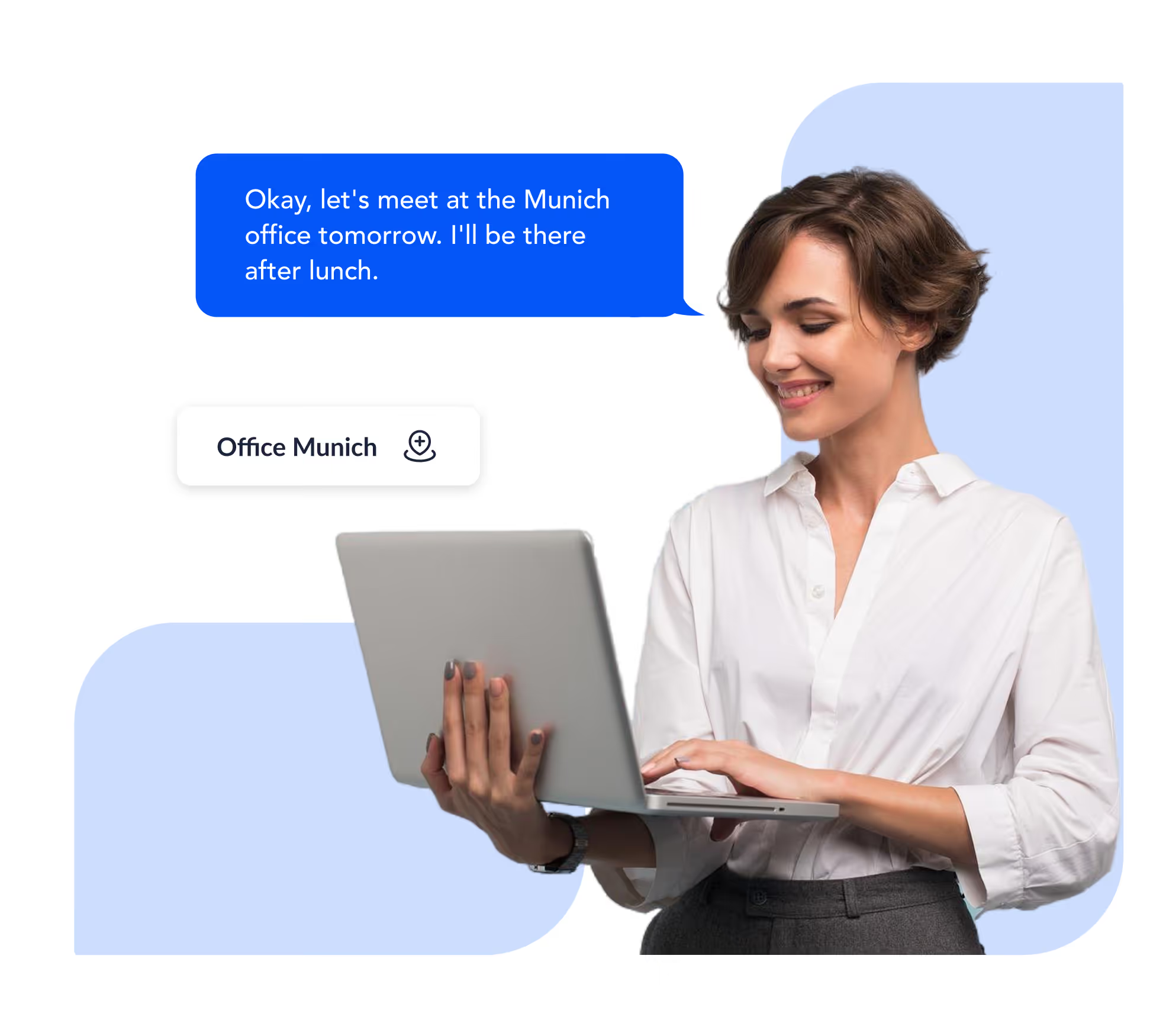
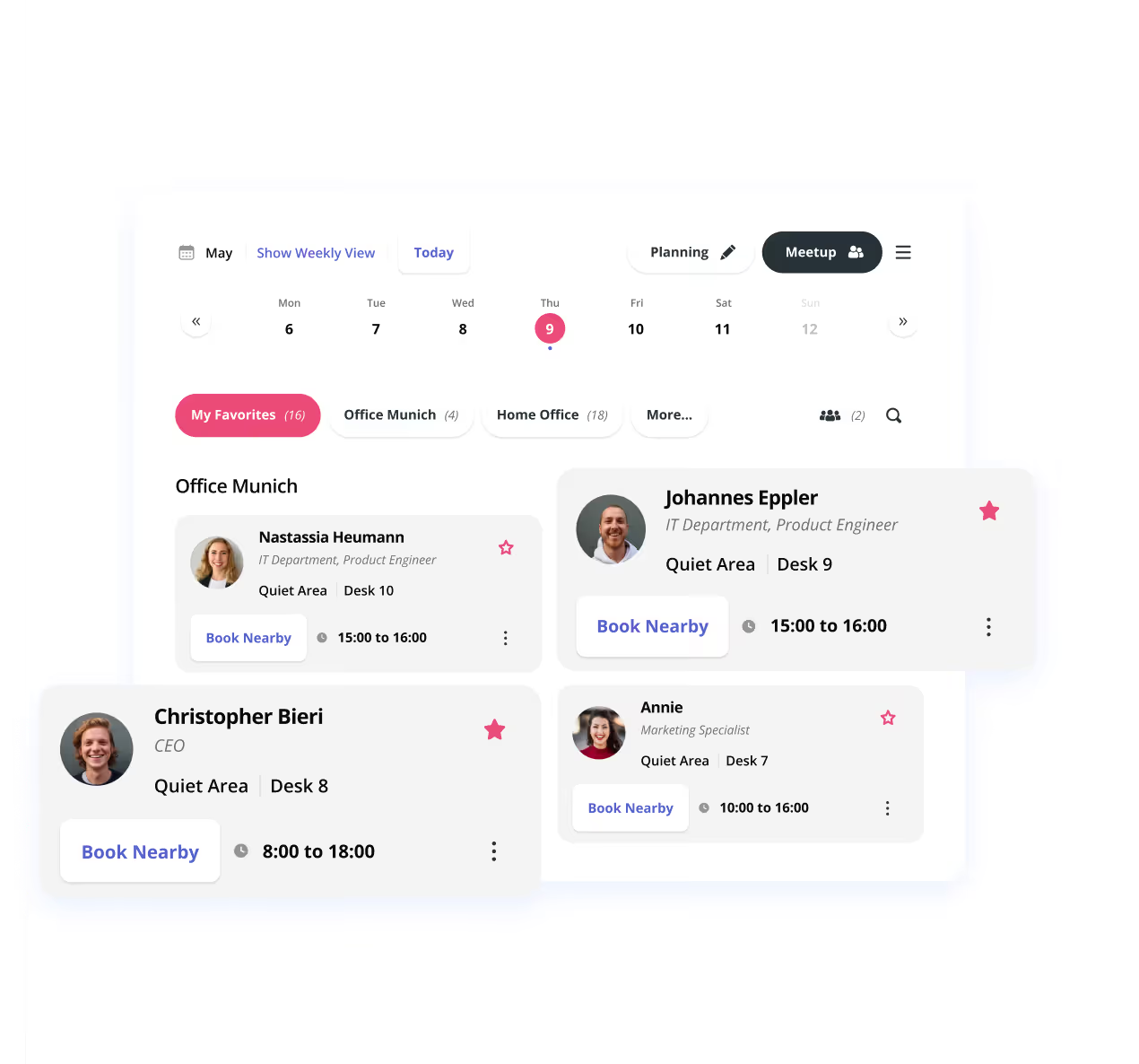
People share where they are working, in the office, at home or on the road, straight from Microsoft Teams. Knowing the team is in makes people come in more often. Voluntary, open, with no tracking.


.svg)


%201.svg)

Visibility that lets collaboration happen by itself
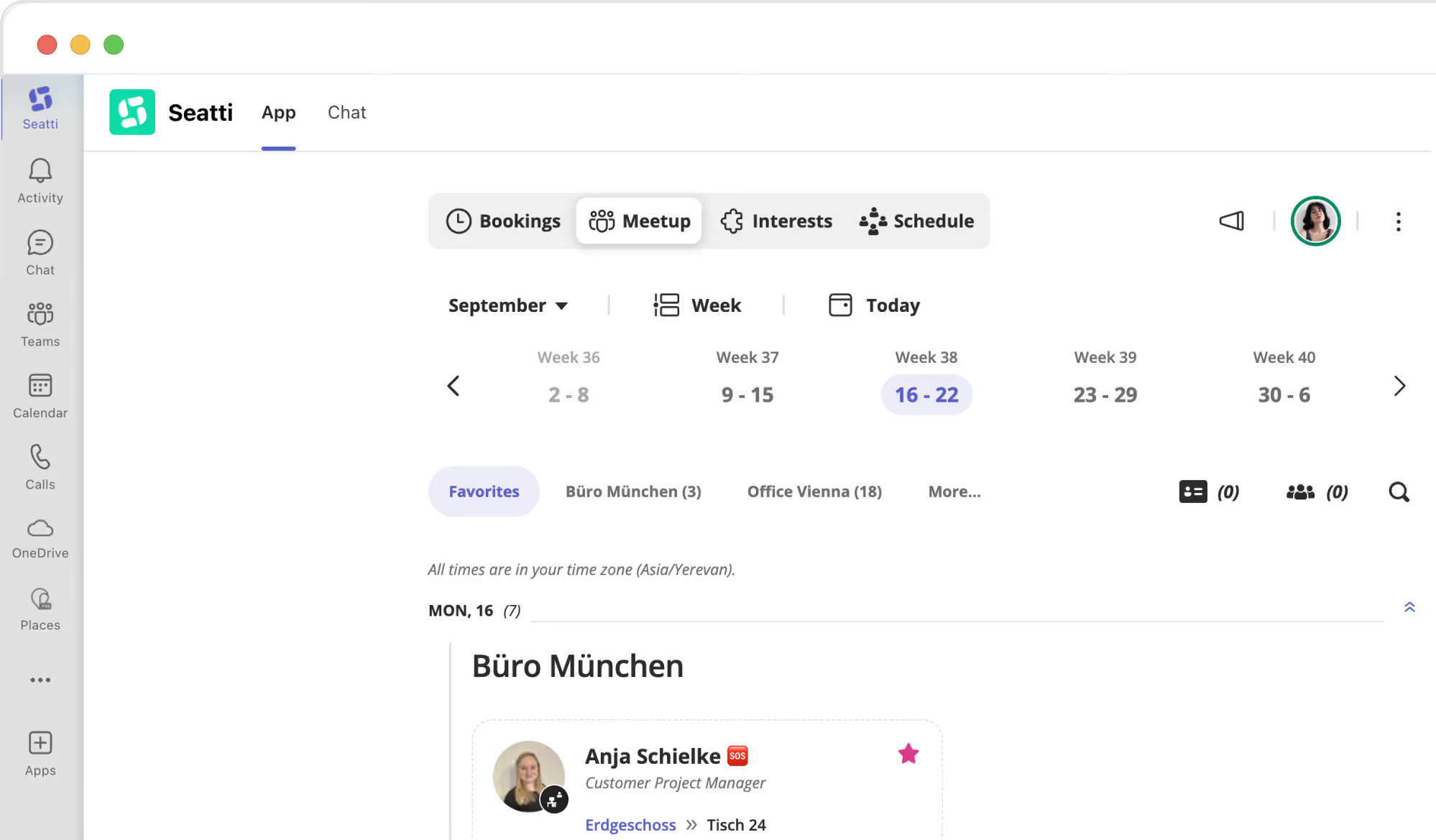
Who is where today? Openness about work locations, voluntary, secure and useful to everyone.
Who is this for?

Employees
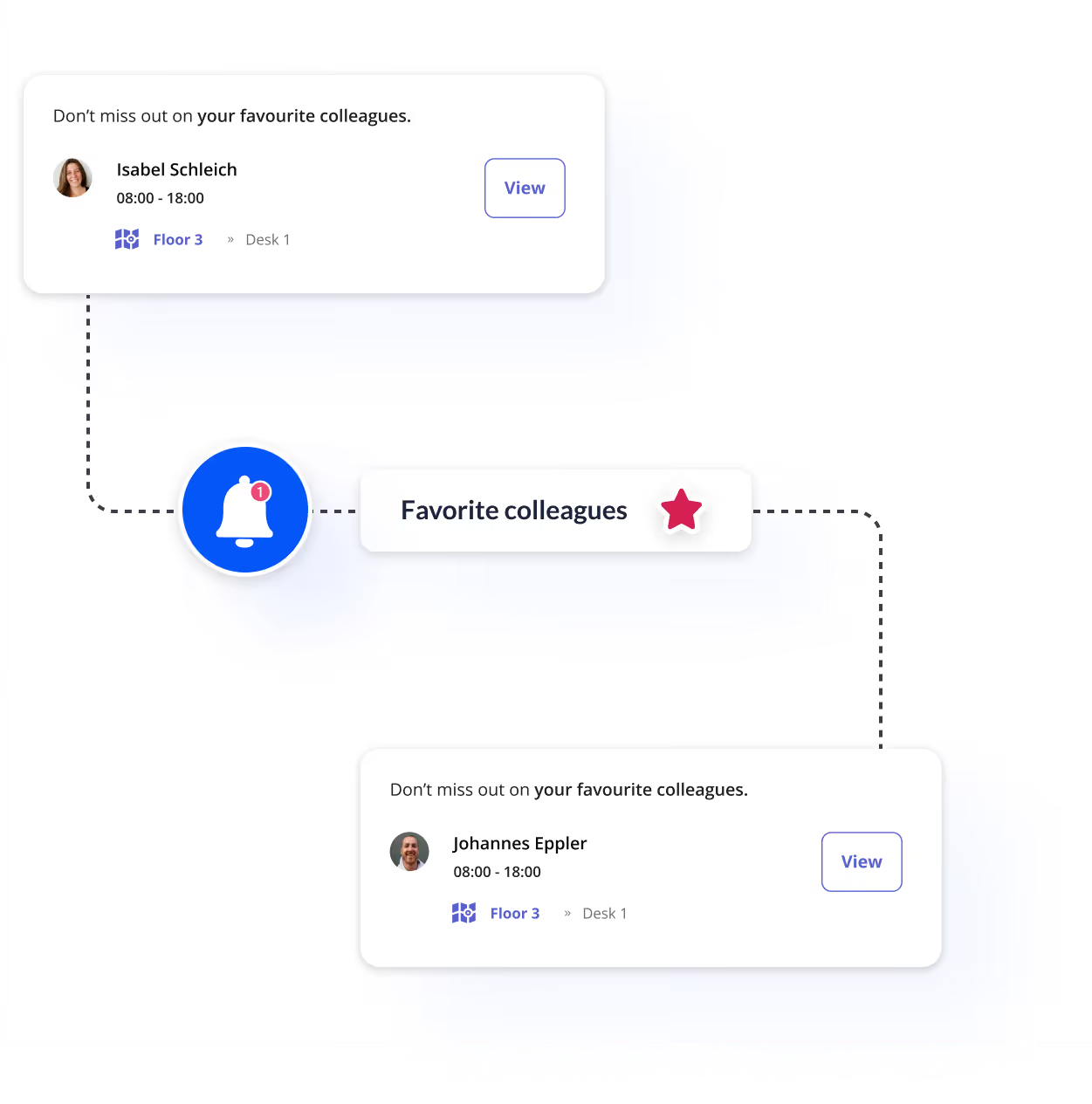
Decide the office day with your eyes open. Anyone who comes in only to sit alone comes in less often. Anyone who knows the team is there comes in more. Visibility is the key.
Team leads
An overview without asking around. Who is where today? Team leads see every team member's location at a glance, with no poll and no extra meeting.
Human Resources
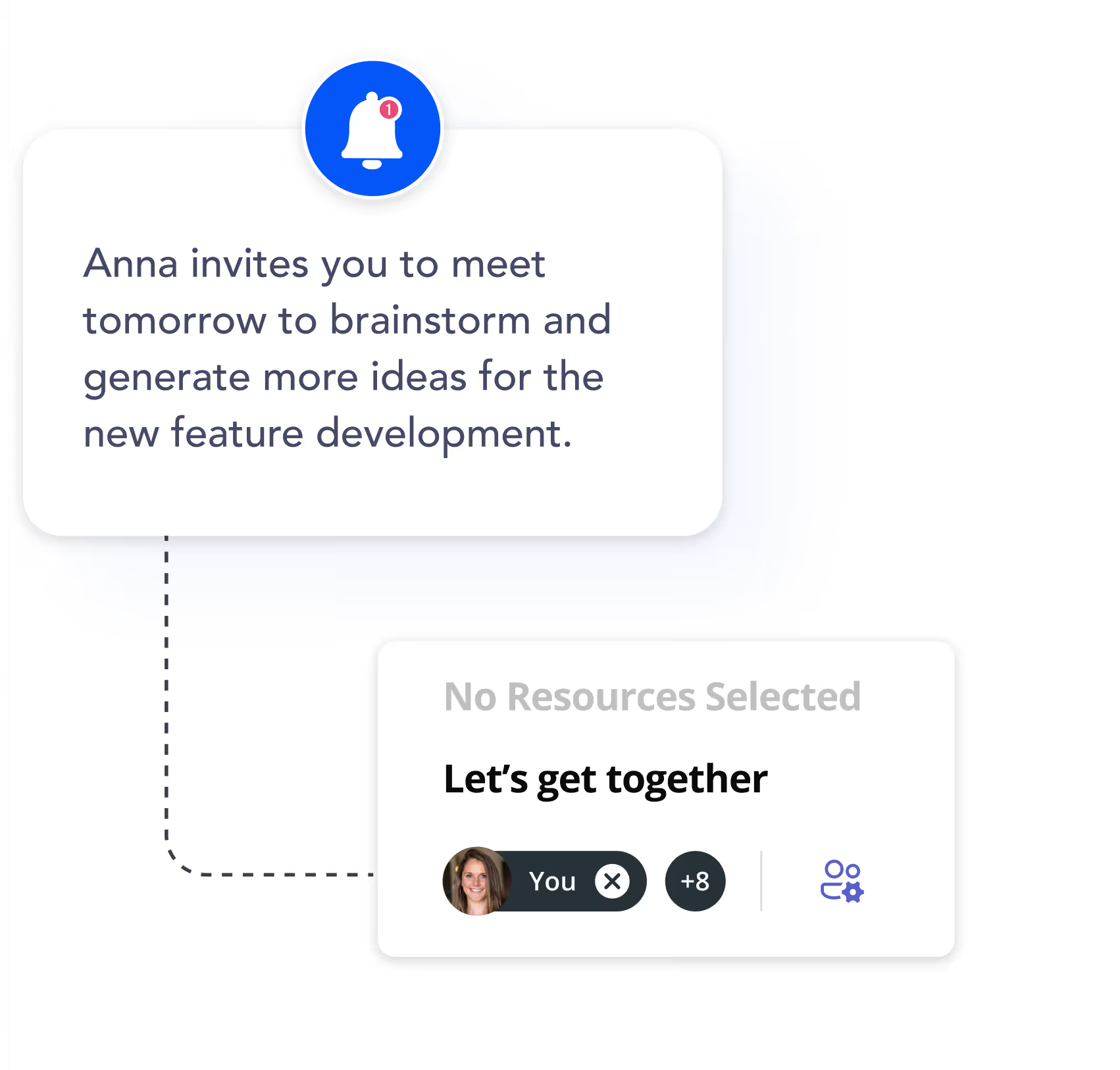
Reduce isolation in remote work. Visibility of locations encourages spontaneous encounters and strengthens team cohesion, and team analytics make the effect measurable.
Works councils
Voluntary participation and data protection assured. Locations are shared only when the user actively does so. No tracking in the background, no analysis at individual level.
100% GDPR compliant with a certified Microsoft integration
Seatti runs natively in Microsoft Teams, syncs with Outlook and manages users automatically through Microsoft Entra ID. EU servers, ISO 27001 certified, GDPR compliance without extra effort.
.avif)
FAQs: frequently asked questions
By the user. People state their location when booking or set it manually. There is no automatic tracking at desk level. Only office presence itself can be recorded, and only if the IP-based check-in module is enabled, which is part of the Enterprise plan.
Yes. Visibility settings are configured individually: your team only, your favourites only, or everyone in the company.


.webp)
See Seatti live, in 30 minutes
We will show you Seatti live and work out together where the potential lies for your organisation. No obligation, no sales pressure. Try Seatti free and find the right setup with our team.